VIS - Automatic Visual Balance | Logo Arrangement & Layout (Batch / Bulk Tool)

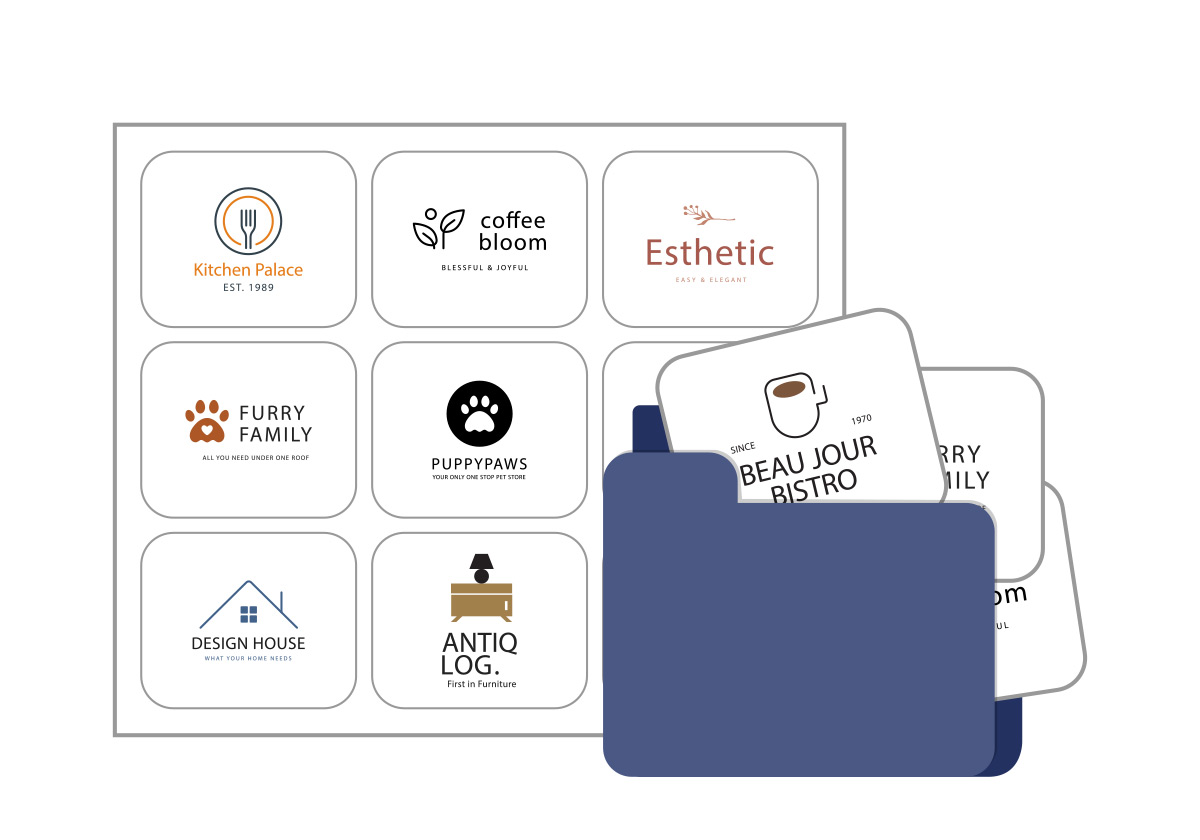
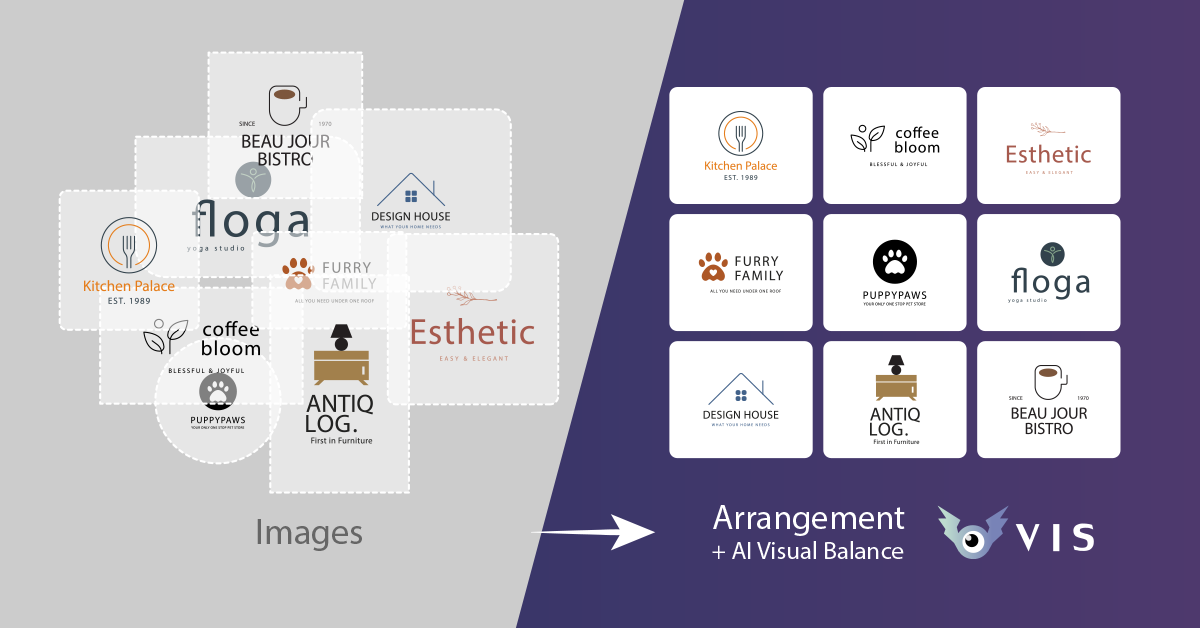
VIS can quickly and efficiently arrange logos and product images, making it suitable for use in various media such as websites, presentations, videos, and print publications. Leveraging AI computing technology, it can automatically scale images of different colors and shapes with precision, resulting in a more harmonious and symmetrical arrangement. It also offers various arrangement modes and customizable style adjustments, and can export single or multiple image files and RWD (Responsive Web Design) webpage source code based on the arrangement results. This significantly reduces editing and adjustment time, achieving visual balance accurately and allowing users to focus more on important projects.

Features

Quick Arrangement of Overall Images and Order

Save time by avoiding manual adjustment of each image and arrangement. Simply drag and drop multiple images to automatically arrange them and set their order.

Flexible Arrangement Mode Settings

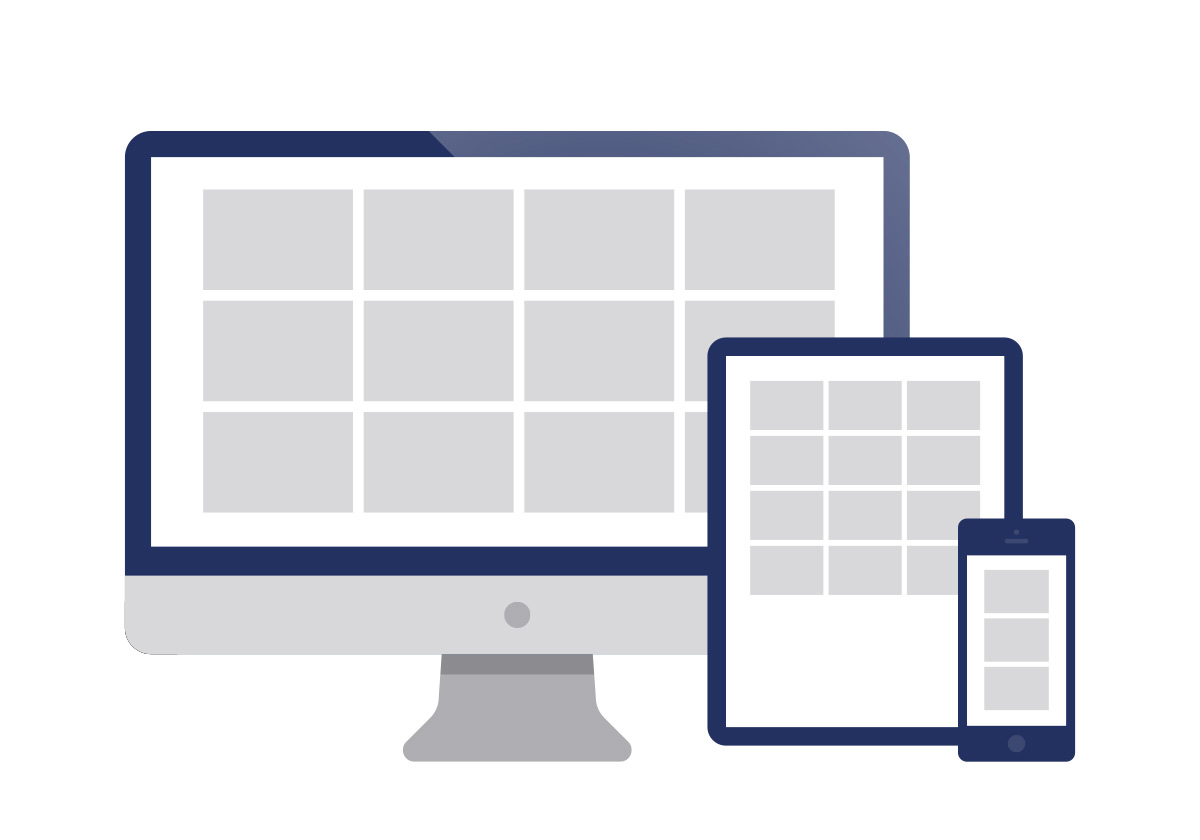
Customize the number of arrangements, spacing, height, and padding. You can stack images based on width or natural stacking according to image width, achieving an RWD effect.

AI-Powered Image Visual Balance

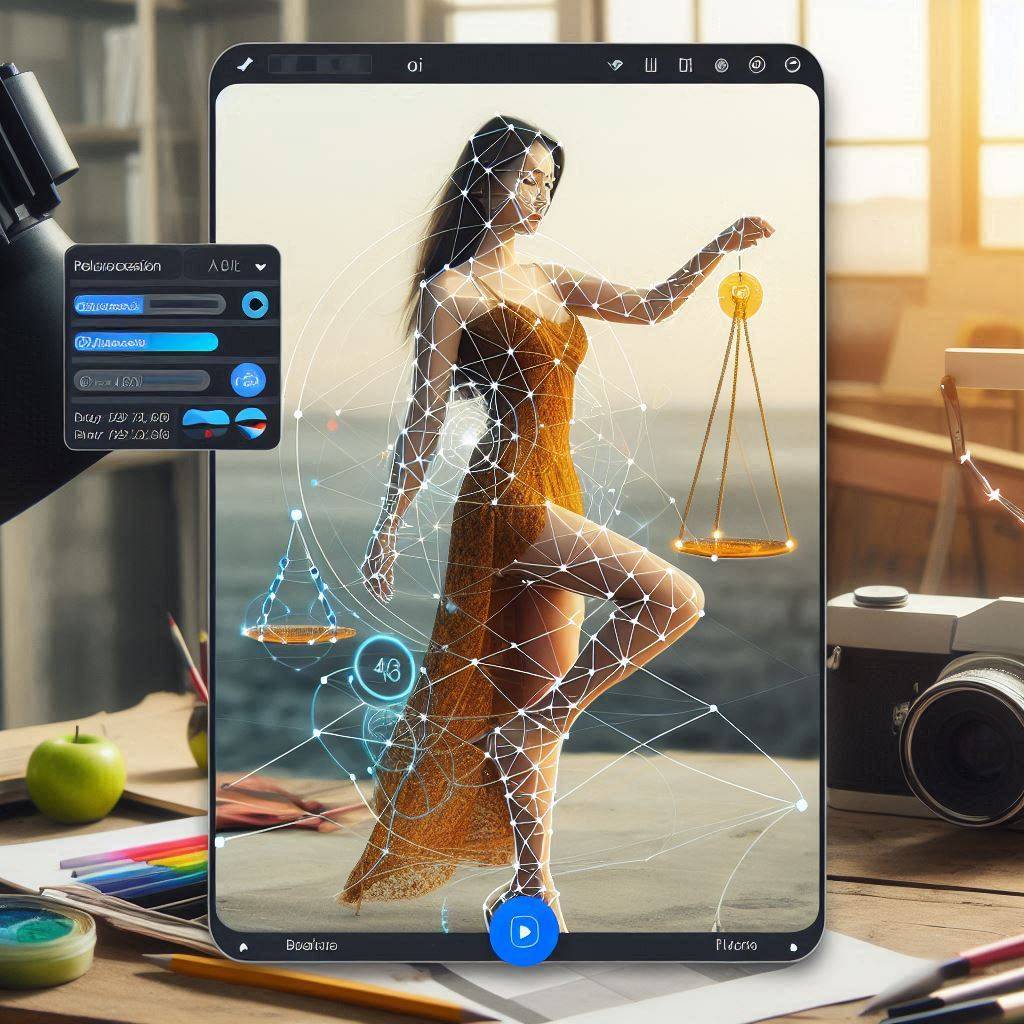
Using AI algorithms, it accurately scales images of different colors and shapes, easily achieving visual balance and allowing customization of their weight.

AI-Assisted Image Balance Detection

The AI balance point detection calculates the center of mass for images, helping you precisely grasp the balance point of your image design.

Overall Style or Detail Adjustments

Scale image proportions, convert to grayscale, apply inverse colors, add outlines, and adjust background and lighting. Advanced adjustments can also be made for individual images.

Export Overall or Single Images

No need to save images one by one; export single or multiple images with one click for use in any image-supported media

Export RWD Web Files (HTML + CSS)

Perfectly convert the layout into webpage files (HTML + CSS) and original images, eliminating the need to manually code webpages.

Save Styles and Settings

Remember your personalized styles for faster and more consistent future operations.

Start VIS